From paper to saved.
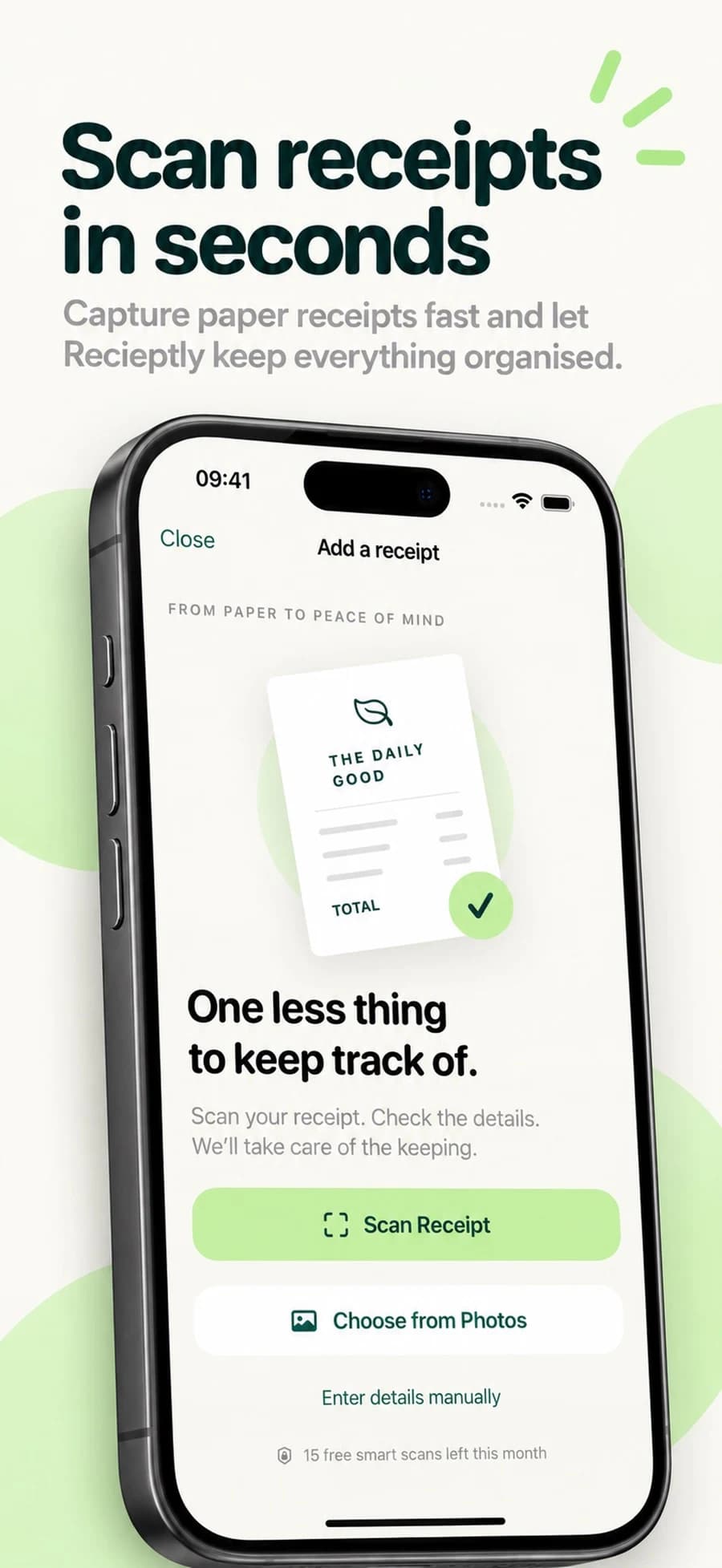
Scan with your camera or import a receipt photo. Check the recognised merchant, date, total and other details before saving. You can add receipts manually, too.

An app by Blinkr Digital
Less paper. More peace of mind.
Scan receipts, find past purchases and see your monthly spending. A simpler paper trail, kept on your iPhone.
For iPhone · iOS 17.0+ · Free with in-app purchases
Explore the app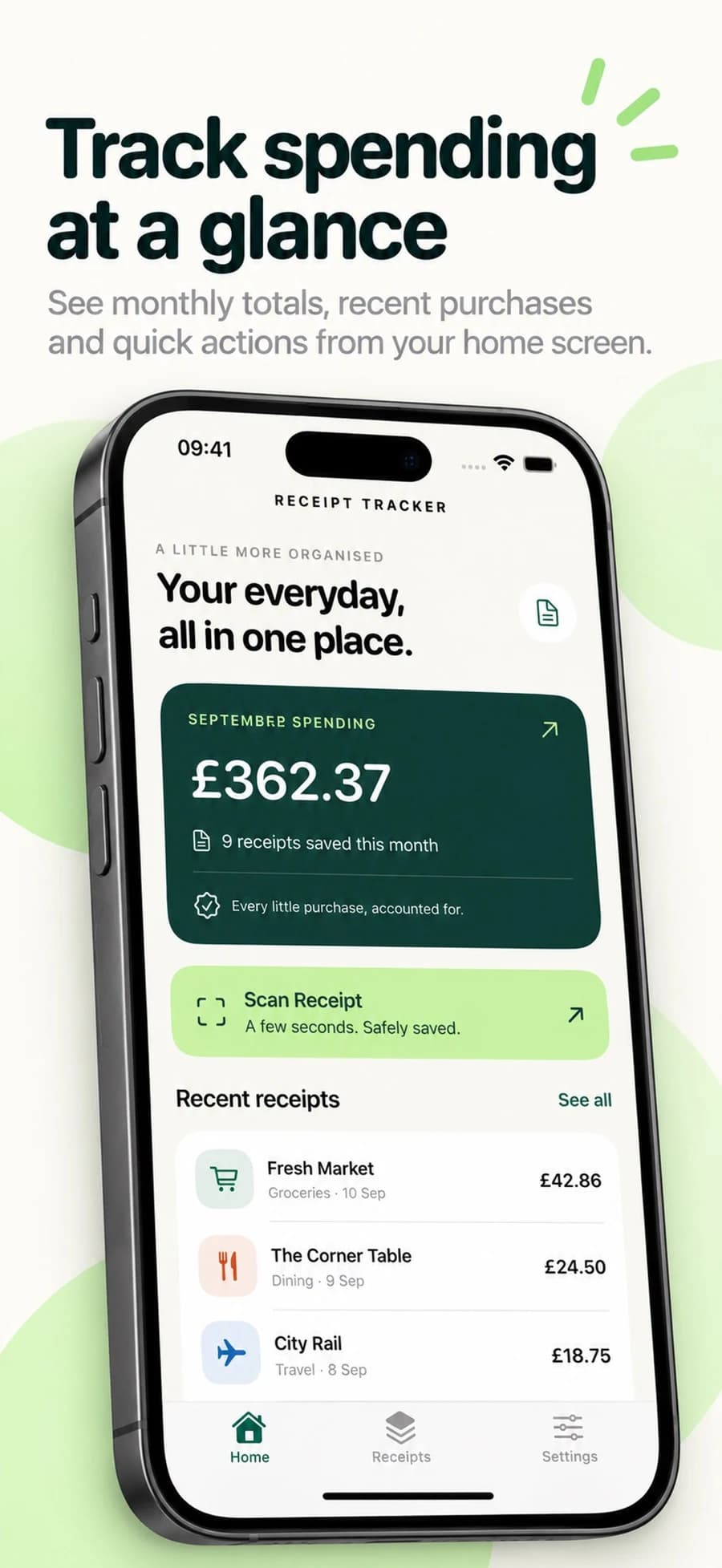
Receipts & expenses
Made for the everyday
Scan with your camera or import a receipt photo. Check the recognised merchant, date, total and other details before saving. You can add receipts manually, too.
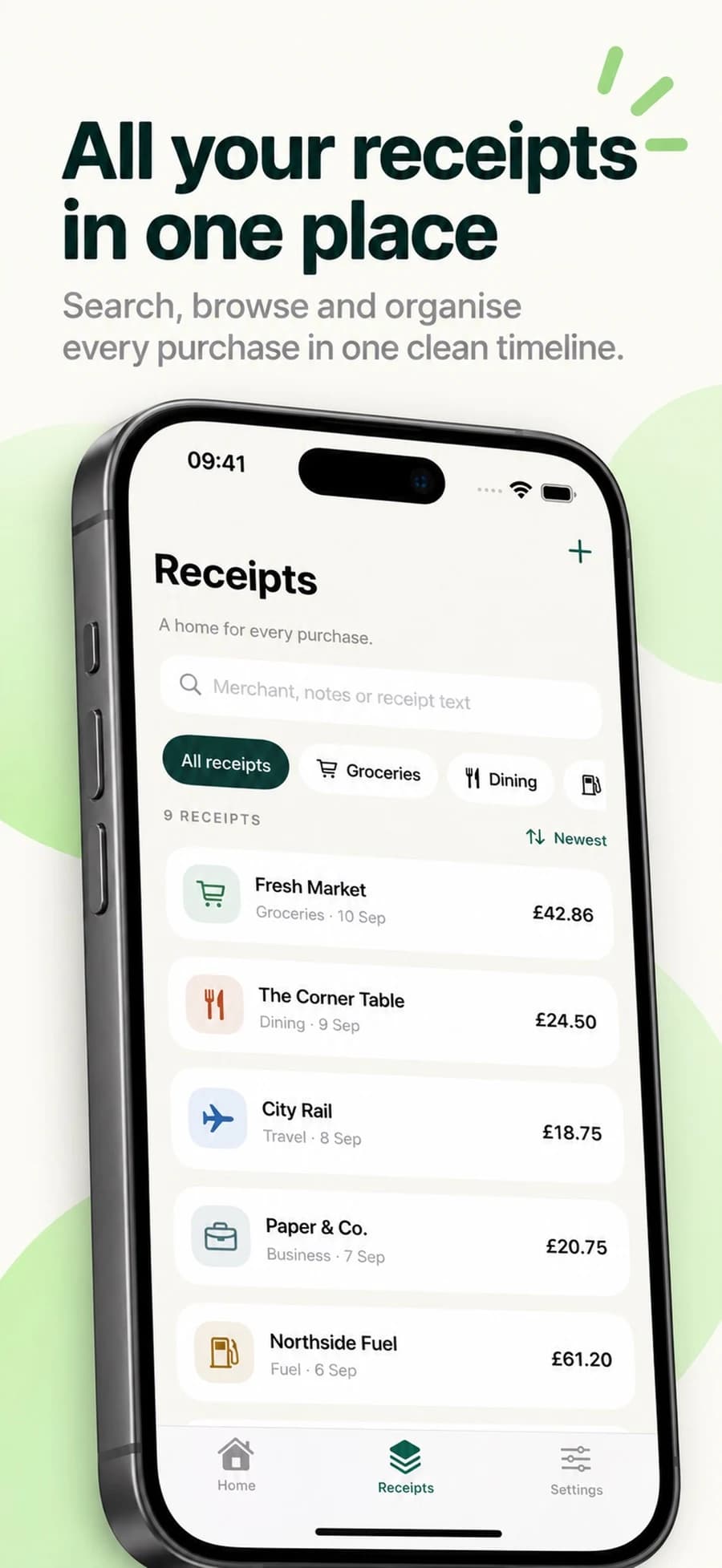
Search merchants, notes and recognised receipt text. Categories, date and amount sorting help you find the record you need.
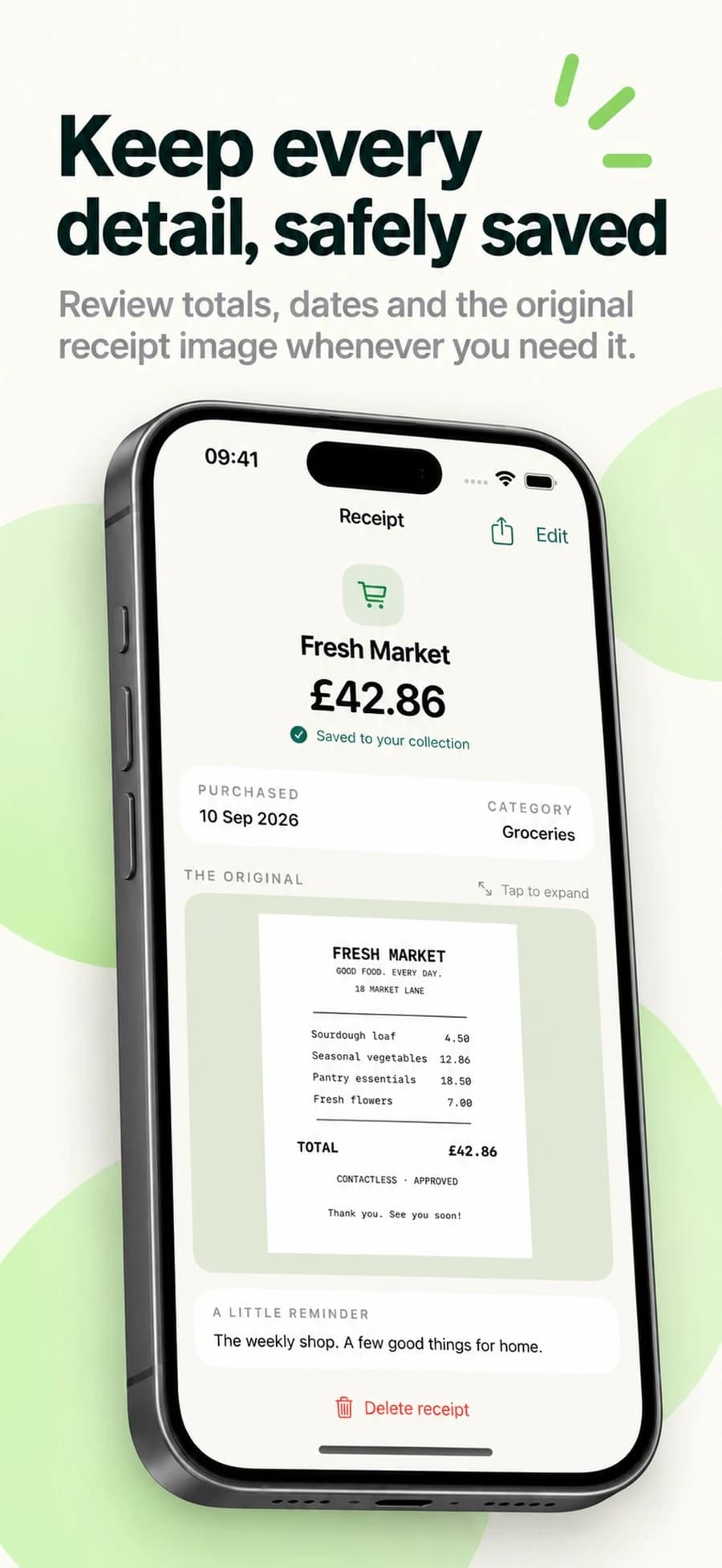
Review monthly spending totals by currency, with the original receipt image and your notes always close at hand.
Check recognised details before relying on a saved record. Receiptly is a record-keeping tool and does not provide accounting or tax advice.
Take a closer look
Scroll through the app screenshots →
Find your fit
A useful place to start.
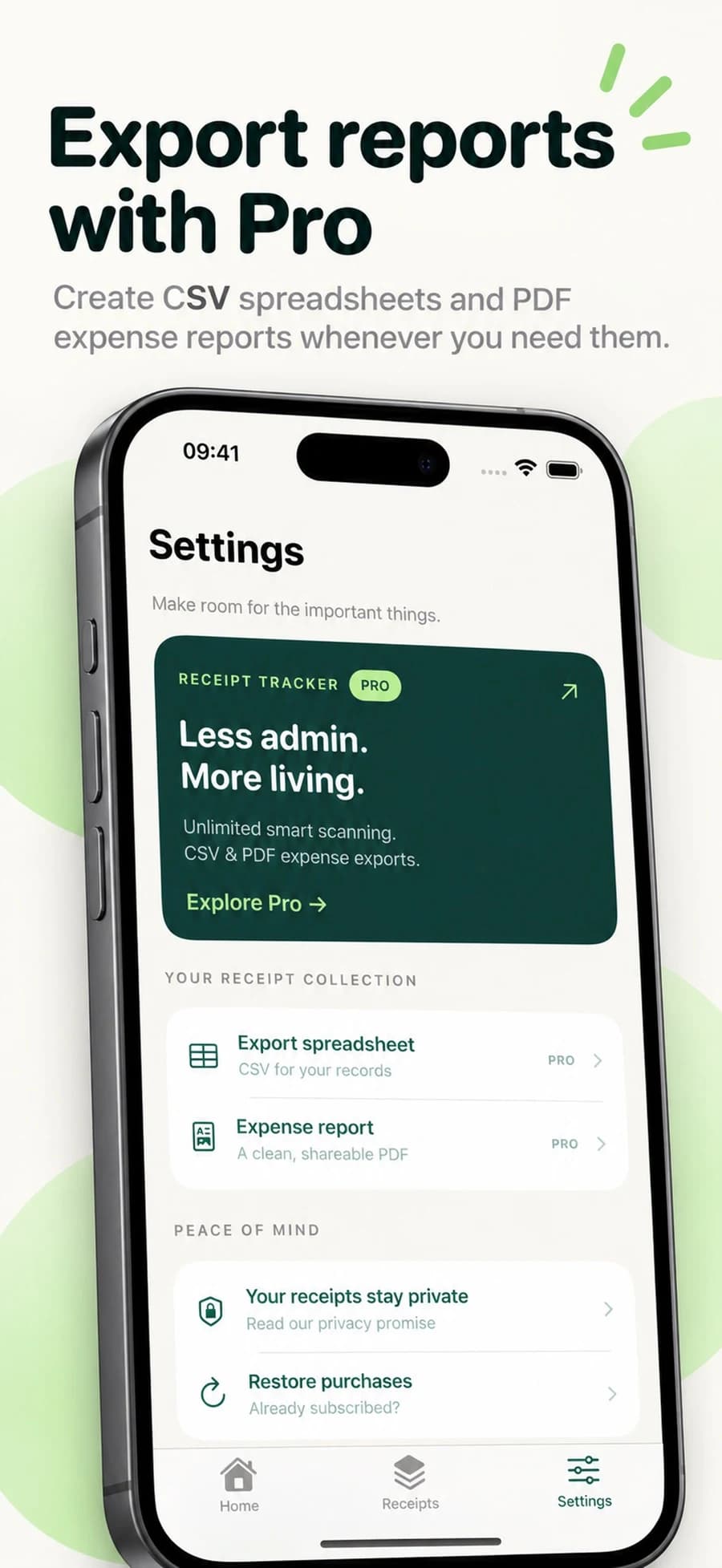
More tools, when you need them.
Monthly and annual Pro subscriptions are available in the app. Check the current local price before purchasing.
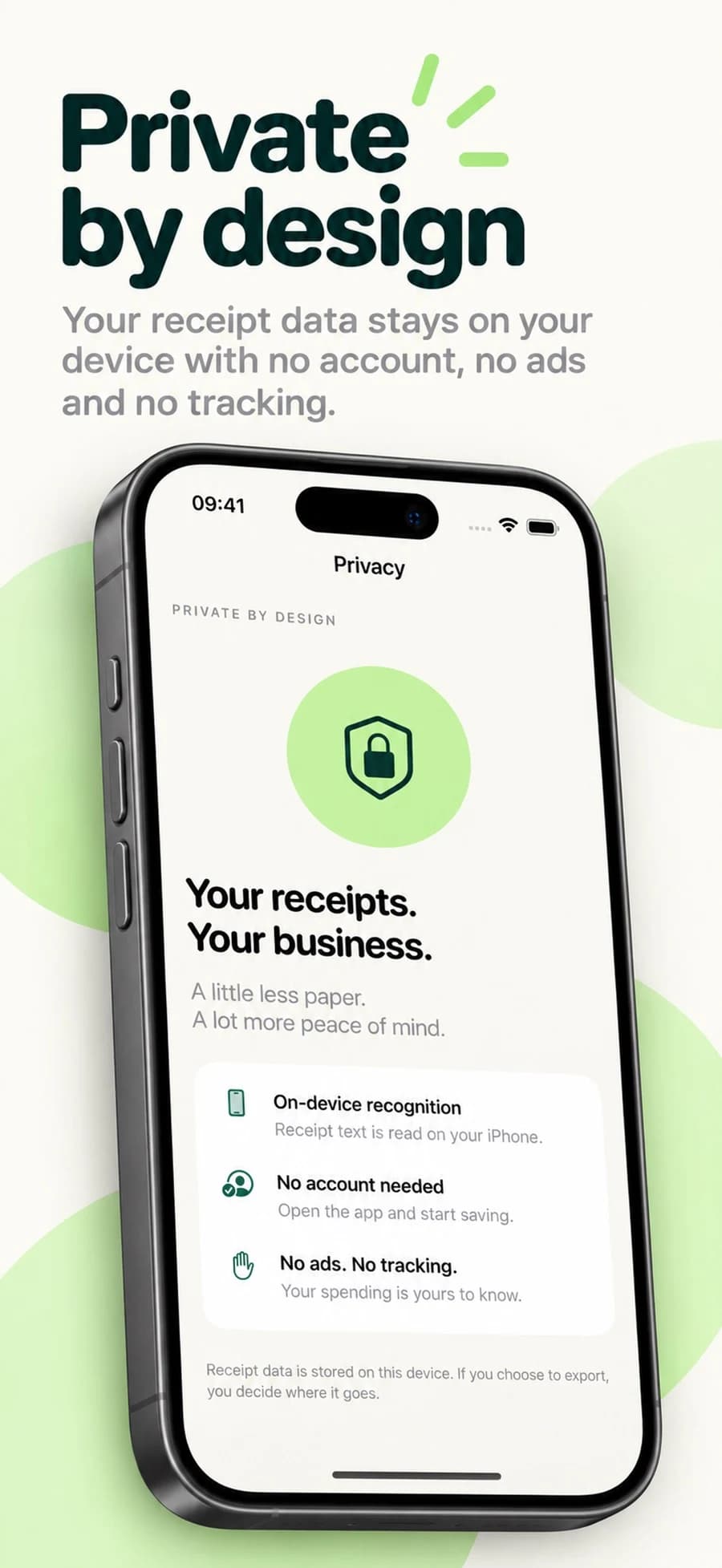
Receipt recognition happens on your iPhone using Apple frameworks. There is no account to create, no advertising, no tracking and no third-party receipt-processing service.
Read our privacy policy